
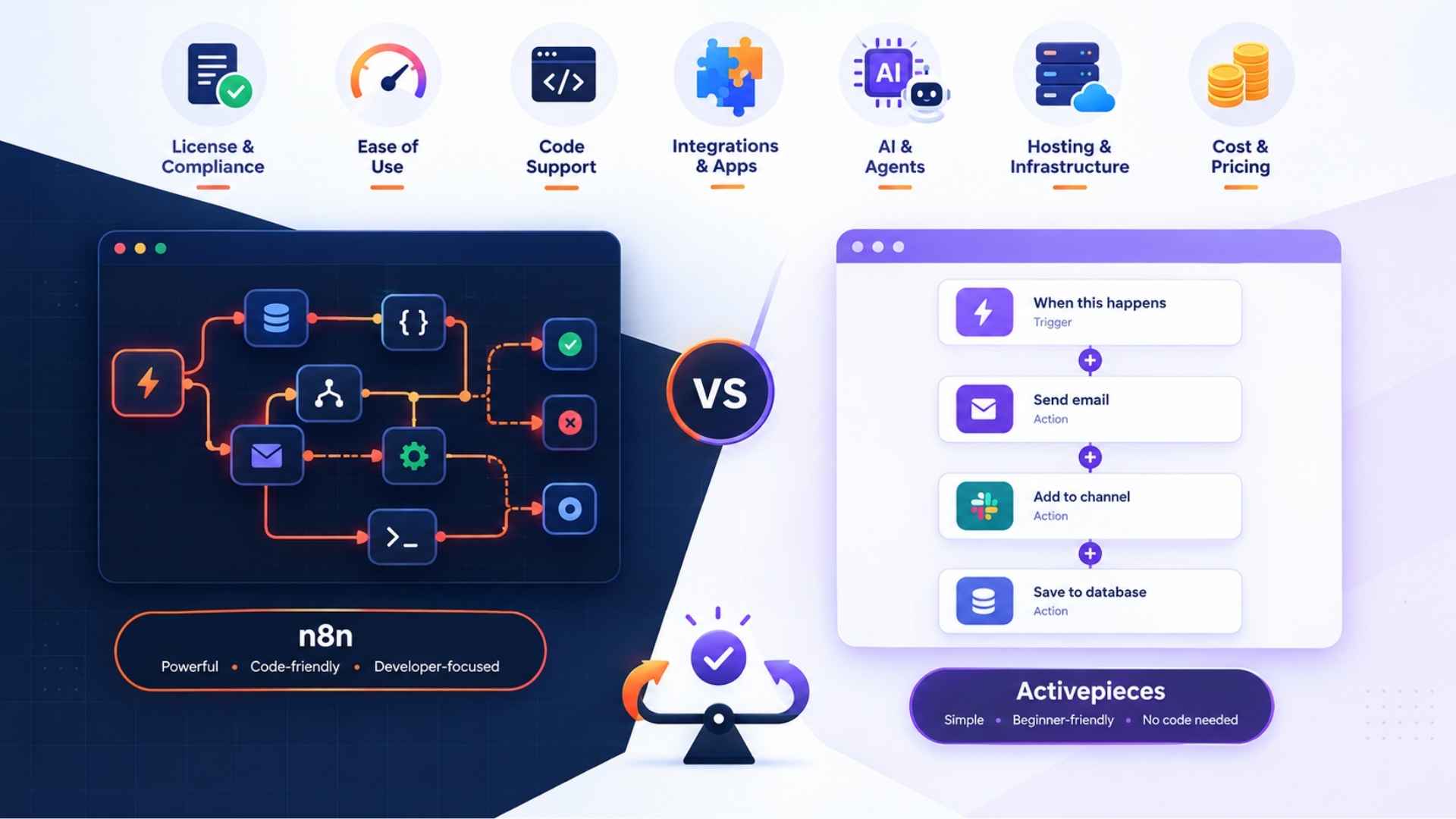
Choosing between n8n vs Activepieces looks easy until licensing terms, execution limits and a surprise hosting bill show up. Both are open source workflow automation platforms that undercut Zapier and Make. However, they get there in different ways.
This guide compares n8n vs Activepieces on seven points that decide real projects: license, ease of use, code flexibility, integrations, AI, hosting and cost. By the end, you will know which tool fits your skills and how to switch if you pick wrong. We built it from the n8n documentation and the Activepieces automation guides.
n8n vs Activepieces at a Glance
| Factor | n8n | Activepieces |
|---|---|---|
| License | Sustainable Use License (fair-code) | MIT core, commercial license for some enterprise features |
| Billing unit | Per workflow execution | Free tier plus paid plans, structure has changed over time |
| Free self-hosting | Yes, Community Edition | Yes, Community Edition |
| Learning curve | Steeper, more powerful | Gentler, cleaner interface |
| Custom code | JavaScript and Python code nodes | TypeScript pieces and code steps |
| AI focus | LangChain-based AI agent nodes, MCP support | AI agents and MCP-exposed pieces |
| Best for | Developers and complex logic | Beginners and MIT-only requirements |
Which One Should You Pick? A Four-Question Test
Most comparisons simply list features. In contrast, we think four questions settle the n8n vs Activepieces decision faster.
- Will you sell or embed the tool? If yes, the MIT license points to Activepieces.
- Will you write code inside workflows? If yes, n8n gives you more room.
- Does your team have no developer? If so, start with Activepieces.
- Do you run high-volume, multi-step flows? In that case, n8n’s per-execution billing is worth pricing out.
Two or more answers pointing the same way is your shortlist. Next, the rest of this article explains why.
Is Activepieces Really Open Source? Is n8n Open Source or Fair-Code?
This is the question that trips up most buyers, and the answer changes your legal position.
n8n: Sustainable Use License and Commercial Use
n8n calls itself fair-code. The source is public and you can self-host it. However, the Sustainable Use License limits what you can do commercially.
Running n8n to automate your own business is fine. On the other hand, selling n8n as a hosted service, or embedding it in a paid product, needs a separate commercial agreement. So the honest answer to “is n8n free for commercial use” is: yes for internal use, no for reselling. Therefore, agencies that host instances for clients should confirm their setup with n8n first.
Activepieces: MIT Core
The Community Edition uses the MIT License, which allows commercial use, modification and distribution. In fact, reviewers note that the MIT-licensed self-hosted edition is free with unlimited tasks. That said, some enterprise features sit under a commercial license, so “really open source” is true for the core and only partly true for the whole product.
If licensing risk worries you, this section alone can decide the n8n vs Activepieces comparison.
Ease of Use: Is Activepieces Easier Than n8n?
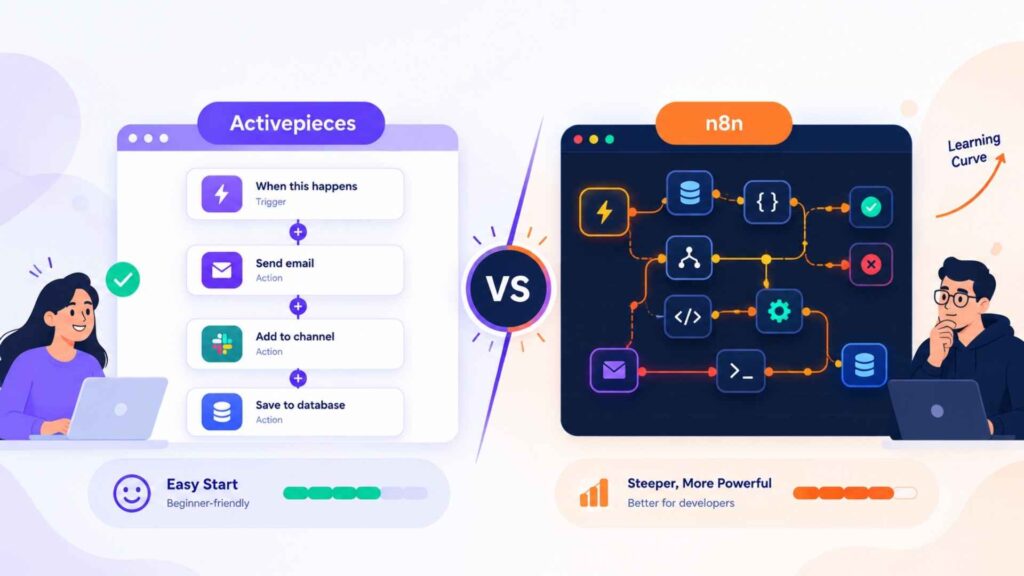
Yes, for most beginners. Activepieces uses a linear visual workflow builder. You add a trigger, stack steps in order and see the result.
By contrast, n8n uses a canvas-style drag-and-drop editor where nodes connect like a diagram. That layout handles branching and merging well, but the learning curve is real. As a result, expect your first useful workflow to take longer.
Both work for no-code and low-code users. Still, non-technical founders usually feel at home in Activepieces first, while developers often outgrow it and prefer n8n. If you want to see what a builder should feel like before committing, our guide to choosing a workflow builder covers the basics.
Developer Flexibility: Custom Code Nodes vs TypeScript Pieces
n8n lets you drop custom code nodes (JavaScript or Python) anywhere in a workflow. For instance, you can transform data, call an odd API or patch a missing integration in a few lines. That speed is a big reason developers stay.
Activepieces takes a more structured route. Its integrations, called pieces, are written in TypeScript and open to community contribution. You can also add code steps to a flow. Consequently, building a new piece is cleaner for a team that wants reusable, versioned components, but slower for a quick one-off fix.
Integrations: Nodes, Pieces and Community Nodes
n8n ships with hundreds of built-in nodes and adds community nodes you install from npm. Moreover, any REST API is reachable through the HTTP Request node, and web hooks trigger flows from anywhere.
Similarly, Activepieces offers a growing integration library of pieces, and several are contributed by the community. Published counts differ by source and change often, so check the piece list for the apps you use. After all, the count matters less than one test: does your exact app, with your exact action, exist?
Our rule: list your five must-have apps, then search both catalogs before you read another review. If one app is missing, web hooks and REST calls can bridge it in either tool.
AI Agents and MCP: Does Activepieces Support AI Agents?
Yes. In the n8n vs Activepieces match up, both platforms now treat AI as a core use case.
First, n8n includes LangChain-based nodes for building AI agents with memory, tools and vector stores. It connects to LLM integrations from OpenAI and Anthropic and supports Model Context Protocol (MCP) on both the client and server side.
Likewise, Activepieces offers AI agents and exposes its pieces through MCP, so an AI client can call your automations as tools. Its AI setup is simpler to get running, whereas n8n’s is deeper when you need multi-step agent logic.
For the concepts behind this, see our explainer on how AI agents work. Additionally, for teams weighing AI-driven flows in general, AI workflow automation is the wider picture.
Which Is Better for Self-Hosting, n8n or Activepieces?
Both are strong self-hosted automation tools. Each runs in Docker for a single server and on Kubernetes for larger setups.
However, the differences show up in operations:
- n8n: scales through queue mode, where separate workers process executions. It is more powerful, but also more to configure.
- Activepieces: lighter to get running, and the MIT license means no license review before you deploy.
Self-hosting is free in software terms for both. Even so, you still pay for the server, backups, updates and your own time. A small VPS is cheap, but an outage at 2 a.m. is not. For that reason, price your maintenance hours honestly, especially if you are a solo freelancer.
n8n vs Activepieces Pricing: Total Cost of Ownership
The two tools count usage differently, so comparing sticker prices misleads. Here is what matters.
n8n Cloud: Execution-Based Pricing
n8n bills by workflow execution, meaning one full run counts once, no matter how many steps it contains. As of late August 2026, Starter costs €20 a month billed annually for 2,500 executions, and Pro costs €50 a month billed annually for 10,000. Meanwhile, the Business tier runs about $667 a month on annual billing for 40,000 executions, and adds SSO, Git-based version control and multiple environments. Enterprise is custom.
Watch polling triggers. A workflow that checks for new data every five minutes burns roughly 8,640 executions a month by itself. Therefore, three of those and Starter is gone. Prefer web hooks over polling wherever the app allows it.
Activepieces Cloud
Activepieces offers a free cloud tier and paid plans above it. However, the published structure has shifted between per-flow, per-task and tiered pricing, and third-party sites disagree. Treat any figure you read, including ours, as a snapshot and confirm it on the vendor’s pricing page. Reviews report a free tier with 1,000 tasks a month, plus an unlimited-task self-hosted Community Edition.
A Worked Example
To illustrate, take a freelancer running six workflows: three web hook-triggered and three polling every 15 minutes.
- Each polling flow runs about 2,880 times a month, so three of them make 8,640.
- Add roughly 1,000 web-hook runs and you sit near 9,600 executions.
- On n8n cloud, that fits Pro, not Starter.
- Finally, self-hosting either tool removes the cap and replaces it with a server bill and maintenance time.
That is the total cost of ownership question in one paragraph: usage caps on the cloud, hours and hosting on your own server. In short, neither is free. For a bigger view of spend planning, see our IT process automation plan.
Reliability, Team Features and Compliance
Automations fail. What matters is how quickly you notice and fix them.
- Error handling and retries. n8n has per-node retry settings and dedicated error workflows. In comparison, Activepieces supports retries and failure notifications with less setup.
- Execution logs. Both keep run histories so you can inspect data at each step. Note, however, that n8n’s retention window depends on plan.
- Team collaboration. n8n’s higher tiers add Git-based version control and separate environments. On the Activepieces side, role-based access control (RBAC), single sign-on (SSO) and audit logs sit in its higher and enterprise offerings, according to third-party reviews.
- GDPR and data residency. Is Activepieces GDPR compliant? The vendor publishes compliance material, and it markets SOC 2. Still, ask for the current data processing agreement before you send personal data through any cloud plan. Alternatively, self-hosting inside a UK or EU region gives you direct data residency control with either tool.
Scalability: What Happens at 100,000 Runs?
Small volumes run happily on either platform. At scale, though, n8n’s queue mode and worker model give you more tuning options, while Activepieces scales too, with fewer knobs. Above all, test with your real volume before you migrate anything critical.
Can You Migrate from n8n to Activepieces?
Yes, but as far as we know there is no official one-click importer. Plan a rebuild.
- Inventory every workflow. List triggers, apps, credentials and run frequency.
- Rank by business risk. Move low-risk flows first.
- Map integrations. Match each n8n node to an Activepieces piece and flag gaps.
- Convert custom code. Rewrite code nodes as code steps or new pieces.
- Run both in parallel for a week and compare outputs.
- Cut over web hooks last, then switch off the old flow.
The reverse move, Activepieces to n8n, follows the same steps.
Activepieces Alternative or n8n Alternative? When Neither Fits
If both feel wrong, look at Zapier or Make. Zapier is the easiest tool and the most expensive at volume, while Make sits between them on price and visual power. Furthermore, our best AI tools roundup for 2026 and the AI tools category list more options, and our page on business automation services helps if you would rather hire the build, while a virtual personal assistant can handle routine upkeep.
Which One We Would Pick?
Choose n8n if you write code, run complex branching logic or build serious AI agents, and you are fine with the license limits.
Choose Activepieces if you are a beginner, need MIT terms or want a simpler interface.
Either way, start on the free self-hosted edition and build your three most important workflows before spending a cent. Two afternoons of testing beats two weeks of reading reviews.
What Changes for You Now?
You no longer need to compare tabs. After reading this n8n vs Activepieces guide, you know the license question, the cost trap, the skill fit and the migration path. Now, compare your automation needs, choose the platform that fits your workflow, and explore more AI automation tools and practical guides on aiblitzo.
Still unsure which platform fits your needs? Contact us at aiblitzo, and our team will help you choose and set up the right one.
FAQs
1. Is n8n better than Activepieces?
It depends on what you want. n8n offers more code flexibility and advanced workflow options, whereas Activepieces is all about simplicity and MIT licensing.
2. Is Activepieces easier to use than n8n?
Yes. Activepieces generally has a softer learning curve, while n8n has a more powerful but also more complex canvas-style editor.
3. Is n8n really open source?
The source of n8n is open and self-hostable. However, it uses a Sustainable Use License instead of an MIT license.
4. Is Activepieces truly open source?
Its Community Edition is under the MIT License, but some enterprise features are under a commercial license.
5. Which is better for developers, n8n or Activepieces?
n8n is the stronger pick for developers who want to use JavaScript or Python code in their workflows and need more flexibility for complex logic.
6. Do n8n and Activepieces Support AI Agents?
Yes. Both support AI agents, and both are Model Context Protocol (MCP) enabled.
7. Are n8n and Activepieces Free to Self-Host?
Both offer free self-hosted versions. Nevertheless, you still have to pay for server hosting, maintenance, backups, and updates.
8. Can I Switch from n8n to Activepieces?
Yes, but as this guide mentions, there is no official one-click importer. As a result, workflows will generally need to be rebuilt and tested.
9. Which Tool Is Better for Complex Workflows?
n8n enables more flexibility with custom code, branching, queue-based scaling, and complex AI workflows.
10. How Do n8n and Activepieces Compare on Pricing?
The pricing models are different, so your actual costs will depend on your workflow volume, cloud usage, or self-hosting requirements.

2 Comments
Pingback: AI and Automation for Small Business: 7 Quick Wins
Pingback: Moonshot AI: 3 Mistakes New Users Make with Kimi