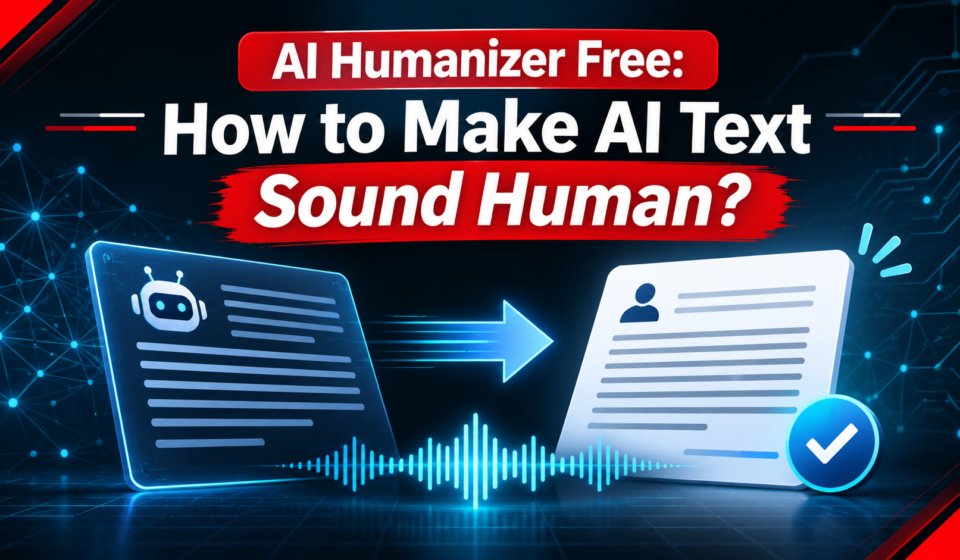

An AI humanizer free tool rewrites stiff AI text in a warmer, more natural voice. It swaps flat words, breaks long sentences, and adds small changes in rhythm. However, free plans cap words per use and per day, and no tool guarantees a detector pass. So use one as a first pass, then edit the result yourself.
By the end of this guide, you will know what these tools do, what free plans really give you, and how to check every rewrite. You will also learn when free is enough and when to pay. Our guide to AI rewriter tools shows how to keep meaning intact while a tool changes the words.
What an AI humanizer free tool actually does?
An ai humanizer free tool changes tone, rhythm, and word choice. It takes a flat AI draft and rewrites it to sound human. For example, it may swap “utilize” for “use” and split one long sentence into two short ones. In short, it edits style, not facts.
It does not add new ideas, and it does not check your facts. For instance, a wrong date stays wrong after a rewrite, and a weak claim stays weak. Our guide on how to humanize AI text explains the same idea in plain steps, starting with your own draft. Therefore, treat the tool as a helper, not an author.
Most tools work the same way. You paste text, pick a tone or level, and copy the result. However, the free version often uses a lighter model than the paid one. As a result, free output can sound simpler, and it may need more editing. Our look at GitHub Copilot Fusion shows the same trade, since free tiers give you the lighter model first.
AI humanizer free plans: what free really means?
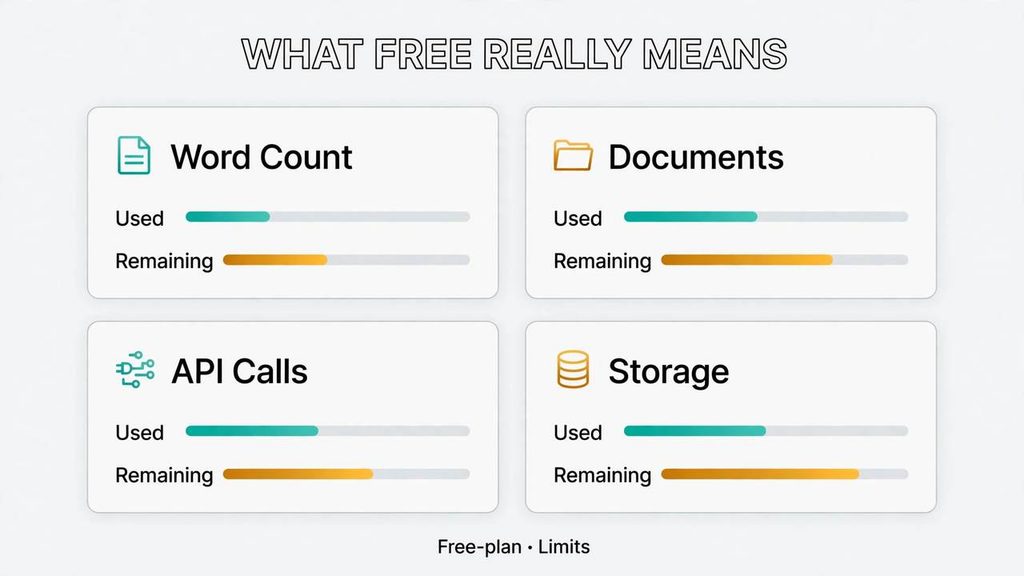
Every ai humanizer free plan caps something. The cap may be words per run, runs per day, or words per month. For example, one tool may allow 1,000 words per run but only 10 runs a day. In addition, a free plan may lock the stronger model behind a paid tier. So read the limit that matters for your work.
A humanizer ai free plan also asks for something in return. Some tools want an email, some want an account, and a few ask for nothing at all. However, no sign-up often means no saved history and no support. For instance, you may lose your work if you close the tab. Our post on businesses in ChatGPT makes the same point: free access trades convenience for limits.
Free also means a smaller model in most cases. The free tier may rewrite with a basic engine, while paid users get a stronger one. As a result, a free plan fits short work, not whole documents.
Our latest AI updates post tracks how fast these tools change, and a limit true today may shrink next month. Therefore, check the vendor page on the day you plan to use it.
AI humanize in practice: 5 steps with an AI humanize free tool
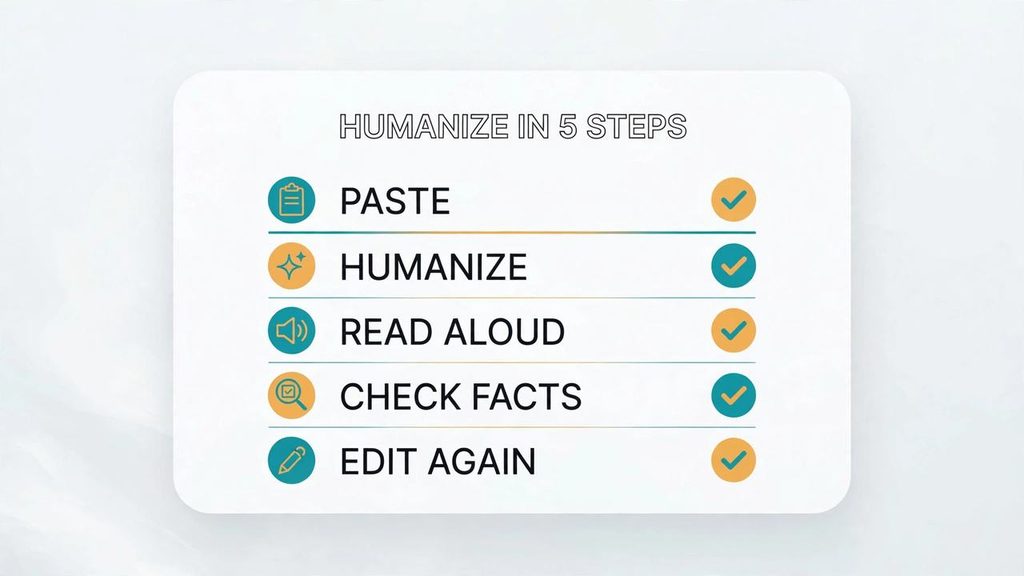
To ai humanize a passage well, use an ai humanizer free tool as a first pass, then do your own edit. The five steps below take about ten minutes. In short, paste small, read aloud, check facts, keep your voice, and edit again.
Step 1: Paste a short passage
Start with 100 to 300 words, not a whole article. A short passage lets you judge the tone before you spend your free runs. For example, paste one section of a blog post and see how the tool handles it. In addition, short runs make it easy to compare before and after side by side.
Step 2: Run the humanizer once
For example, pick the middle strength if the tool offers levels, and run it once. However, a strong rewrite may change your meaning, while a light one may change almost nothing. For instance, one pass shows you the tool’s voice without wasting runs. Our guide to E-E-A-T SEO explains why your own expertise must show in the final text, and a tool cannot add that.
Step 3: Read the result aloud
Read the rewrite out loud, slowly, and mark any line that sounds odd. Your ear catches stiff phrasing that your eyes skip. For example, a sentence may be smooth yet say something you never meant. As a result, reading aloud is the fastest free quality check.
Step 4: Check every fact
Compare each fact in the rewrite with your source, and fix anything that drifted. A humanizer can swap a number, a name, or a date while keeping the sentence smooth. However, a smooth error is still an error, and your name sits on it. Our post on AI workflow automation shows the same rule: speed never replaces a check.
Step 5: Edit again in your own voice
Finish with your own edit, and add a line only you could write. A short example, a real number from your work, or a plain opinion will do. For instance, one honest sentence can make a whole page feel human. Our guide to business automation AI makes the same point.
AI humanize free tools compared: limits side by side
An artificial intelligence humanizer is a tool that rewrites machine-written text to sound human. This ai humanizer free comparison uses limits checked in November 2026, and notes where sources disagree. In short, compare the free allowance first, then the paid price. Our post on AI and automation for small business uses the same rule.
StealthWriter: the most generous free daily plan
StealthWriter gives the most generous free daily plan. The free tier allows 10 humanizations a day and 10 AI scans a day, at up to 1,000 words per input. It uses the Ghost 5.2 Mini model.
Starter costs $20 a month and lifts the cap to 50 runs a day and 5,000 words each. See the StealthWriter pricing page. Our guide to artificial intelligence automation agencies shows how teams use these tools.
QuillBot Humanizer: a small free cap, a known brand
QuillBot Humanizer is the best-known name, but its free cap is small. Most sources report 125 words per run and 6 uses a day. However, QuillBot’s own Premium page lists 100 words per run, so the vendor’s own pages disagree. Premium costs $8.33 a month billed yearly, or $19.95 monthly. See QuillBot Premium. Our business automation services post shows where a small free tool fits.
WriteHuman: three free requests a month
WriteHuman gives a free plan, but it is very small. The free tier allows 3 requests a month at up to 250 words each, plus 10 detection checks. However, one review reports 200 words per request, so check the page.
Basic costs $12 a month billed yearly, with 80 requests up to 600 words each. See the WriteHuman website. Our guide to AI automation engineers covers this kind of workflow.
Clever Humanizer: free with long runs
Clever Humanizer is the long-form free pick, and it charges nothing. It has no fixed monthly allowance and allows about 3,000 words per request. However, its limits have changed before, so confirm them on the site. In addition, it has no built-in detector, so check the result elsewhere. Our n8n vs Activepieces comparison shows the same lesson: a free tool can change its limits without warning.
Walter Writes AI: a 300-word free trial with no sign-up
Walter Writes AI is the easiest tool to try, since it asks for nothing. The free trial covers 300 words with no sign-up and no card. It runs through the three rewrite levels as the paid plans, and it has a built-in AI detector.
Starter costs $12 a month, or $8 billed yearly, for 30,000 words a month. AI agents explained covers how these tools fit into a workflow.
Undetectable AI: a 250-word trial, then paid plans
Undetectable AI is a popular name, but its free use is a demo. The free trial covers 250 words in total, enough for one test paragraph. Paid plans start at $9.99 a month for 10,000 words, or about $5 billed yearly. It bundles a detector with the humanizer. See the Undetectable AI pricing page. Our best AI tools in 2026 list has more.
HumanizeAI.pro: limits we could not verify
HumanizeAI.pro is the one tool here with no clean free limit to quote. One roundup reports 400 words per run with no account. The vendor’s own pages show conflicting figures, including 1,500 words in total with 300 words per run, and 200 words per humanization.
In addition, its homepage markets unlimited free use, which clashes with its pricing page. So do not plan around any single number, and check the vendor page first.
Ai checker free: what detectors can and cannot tell you?
An ai checker free tool scans text and guesses whether a machine wrote it. It looks at word patterns, sentence length, and how predictable the next word is. For example, very even sentences with common words score as AI, while uneven ones score as human. Our guide to AI detector accuracy explains why that guess is only a guess, and why no score is proof.
A detector can help you spot flat writing, but it cannot prove who wrote a text. In fact, detectors flag human writing too, and they miss AI writing that a person edited well.
So treat the score as a hint, not a verdict, and use an ai humanizer free tool for the rewrite, not for the score. In addition, scores change between tools, so the same text can pass one checker and fail another.
Free checkers have their own limits as well. For example, QuillBot’s free AI detector scans up to 1,200 words per check. The Clever AI Detector allows up to 10,000 words per check with unlimited scans. However, a long scan does not mean an accurate one. As a result, use a checker to find stiff lines, then fix those lines yourself.
When an AI humanize free plan is enough and when to pay?
An ai humanizer free plan is enough when your work is short and occasional. A few emails, captions, or short posts a week will fit inside most free caps. For example, StealthWriter’s 10 runs a day cover a short post and a reply with room to spare. In short, free works when the volume is low and the stakes are low.
Pay when the work is long, daily, or tied to income. A freelancer who humanizes client drafts every day will hit a free cap by midweek. In addition, paid plans give stronger models, longer inputs, and saved history. For instance, WriteHuman’s Basic plan allows 80 requests a month, which suits steady work better than 3 free requests.
Price it by your real month, not by the sales page. Count your passages, multiply by words, and compare that total with the free cap. However, do not pay for a year until you test the free tier for a week. As a result, you will know whether the voice fits you before you commit.
What not to do with an AI humanize free tool?
Do not use a humanizer to fake authorship. If you did not write the ideas, a rewrite does not make them yours. For example, pasting a full AI essay and signing your name is still passing off someone else’s work. However, a detector score does not change that. Schools and workplaces have their own rules, so read them first.
School rules are the strictest, and they vary by teacher and by course. Some allow AI help with editing, while others ban it outright. However, an ai humanizer free tool cannot fix a breach of those rules, and a clean detector score is not a defence. So ask first, keep your drafts, and show your own work when asked.
Watch for meaning that drifts, since that is the quietest risk. A rewrite can swap a key word, soften a claim, or flip a date while the sentence still reads well. For instance, one review found a humanizer that changed the meaning while still showing a human score. As a result, check every rewrite against your source, and never publish a passage you have not read.
If you are starting out, begin with StealthWriter’s free plan before you try the others. In our reading of this guide, it gives you the most room to practise, with ten free runs a day, so you can test the same passage at different strengths and learn what a humanizer actually changes. Once you know how much you rewrite in a normal week, you can decide whether a small cap like QuillBot’s or a paid plan fits you better, and you should always recheck the free limits on the tool’s own site before you rely on them.
FAQs
What is the best ai writing tool for free?
There is no single best tool, since the best pick depends on your length and your budget. For example, StealthWriter suits daily short work, while Clever Humanizer suits long drafts. In short, test two free tiers on the same passage, then keep the one whose voice fits you.
How do free ai writing tools compare for marketers?
For marketers, an ai humanizer free tool compares well on short copy and poorly on long copy. A caption, a subject line, or a short post fits inside most free caps. However, a full landing page needs more words than free plans allow. In addition, marketers should check brand voice, since a generic rewrite can flatten it.
Which ai tool is best for content writing?
The best tool for content writing is the one that keeps your meaning and your voice intact. For example, a tool that rewrites well but changes facts is worse than a plain editor. In short, judge by the final draft, not the detector score, and keep a human in the loop.
What are the best ai tools for writing copy?
The best tools for writing copy are the ones that help you write short, clear lines fast. A humanizer can warm up AI copy, but it cannot replace a sharp headline or a real offer. For instance, test the copy on a reader before you test it on a detector. As a result, you will know what sells, not just what passes.
Conclusion: a short checklist
Free humanizers help, but they are small tools with small limits. Pick one by its free allowance, test it on a short passage, and read every rewrite aloud. In addition, check each fact, keep your own voice, and never trust a detector score as proof. That is the whole method, and it works with any ai humanizer free tool in this list.
Use this checklist before you publish. First, paste short and run once. Second, read aloud and mark odd lines. Third, check facts against your source. Fourth, add one line only you could write. Finally, run a free checker to find stiff lines, then fix them yourself.