

Ideogram Vector arrived on October 22, 2026, and it solves a frustration that designers know well. For example, most AI image tools hand you pixels, and pixels blur when you enlarge them. However, a logo, sticker, or print file needs clean shapes that stay sharp at any size. Therefore, Ideogram built its first vector model, and the result changes how small brands create editable artwork.
In addition, the launch timing matters, because Canva launched its own Craft image model on the same day. As a result, designers now face a real choice between editable files and platform based creation. Meanwhile, Ideogram Vector focuses on one clear job: turn a prompt or an image into a scalable vector graphic. Finally, this guide explains its features, pricing, limits, and best uses, so you can decide whether it earns a place in your workflow.
What Is Ideogram Vector?
This model is Ideogram Vector 1.0, the first Ideogram model that returns editable SVG design files instead of flattened pixels. For example, you can describe a logo, word mark, label, or flat illustration, and receive a single clean SVG file. In addition, you can upload an existing raster image and convert it into vectors. Therefore, the model serves both new creation and clean up work for older artwork.
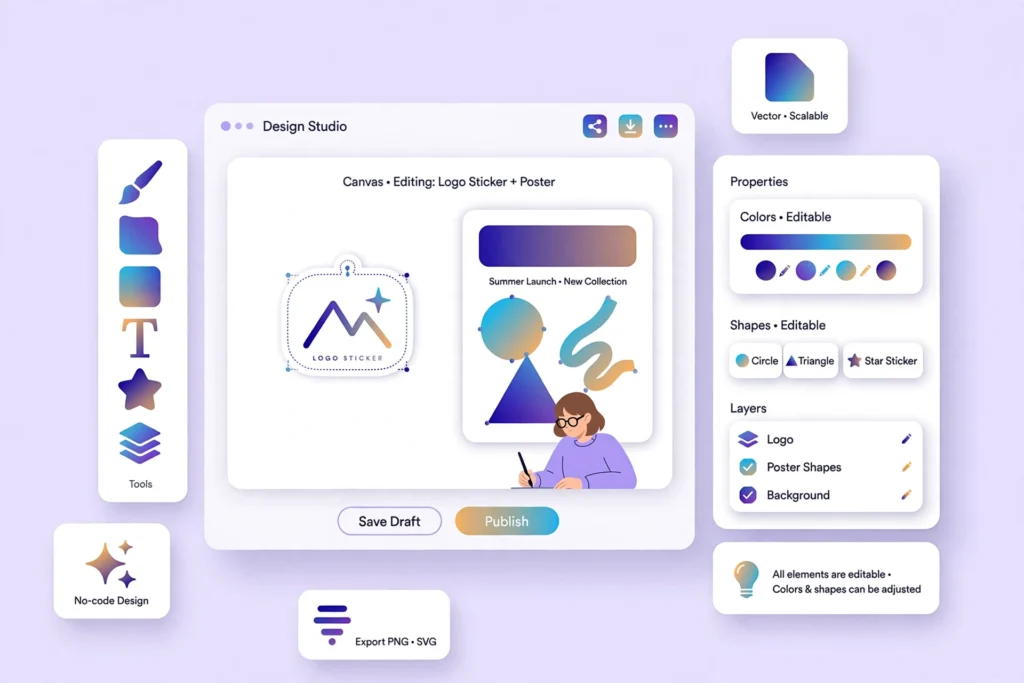
An Ideogram Vector SVG contains shapes, paths, colours, and smooth gradients that you can edit in Illustrator, Figma, or code. For example, you can swap a palette, resize a mark from a stamp to a billboard, and keep every edge sharp. However, an SVG still needs human judgement, because AI shapes can look rough in complex artwork. As a result, treat the output as a strong starting file, not as a finished brand system.
Ideogram announced Vector 1.0 on X on October 22, 2026, with availability in its app, through its API, and on partner platforms.
How Text to Vector Ideogram Works
Text to vector Ideogram generation starts with a written prompt, and you can add reference images to guide the style. For example, a prompt for a flat coffee logo can specify colour, layout, and lettering, while a reference image can set the mood. In addition, the API model name is ideogram-vector-1, and it supports up to eight outputs per request and up to 18 aspect ratios in reported API details. Therefore, teams can test variations quickly, then pick the strongest direction for manual refinement.
Typography gives Ideogram an edge here. For example, Ideogram built its reputation on readable, correctly spelled text inside AI images, and Vector brings that strength to SVG lettering. However, dense multi line body copy still needs care, because letterforms can crowd at small sizes. As a result, keep wordmarks short, test the file at real sizes, and fix kerning and spacing in your design tool. Meanwhile, styles range from flat colour and line art to engraving and pop art, so prompts should name the style clearly.

How Image to Vector Ideogram Works
Image to vector Ideogram conversion uploads a JPEG, PNG, or WebP file up to 50 MB, and returns an SVG version. For example, a scanned sketch, an old logo, or a flat illustration can become editable shapes without manual tracing. In addition, the conversion offers simple, detailed, or automatic modes in reported API details, so you can match the output to the source. Therefore, simple logos convert cleanly, while detailed photos need more clean up.
However, one limit deserves attention. The vectorizer does not yet group shapes into layers, so complex files may arrive as a flat pile of shapes. As a result, designers should budget time to organise layers, name groups, and remove stray paths. Meanwhile, both endpoints run asynchronously, so developers receive a generation ID and fetch the result later, or receive it through a webhook. Finally, a dry run flag can price a request without running it, and that feature helps teams control batch costs.
Ideogram Vector Pricing Explained
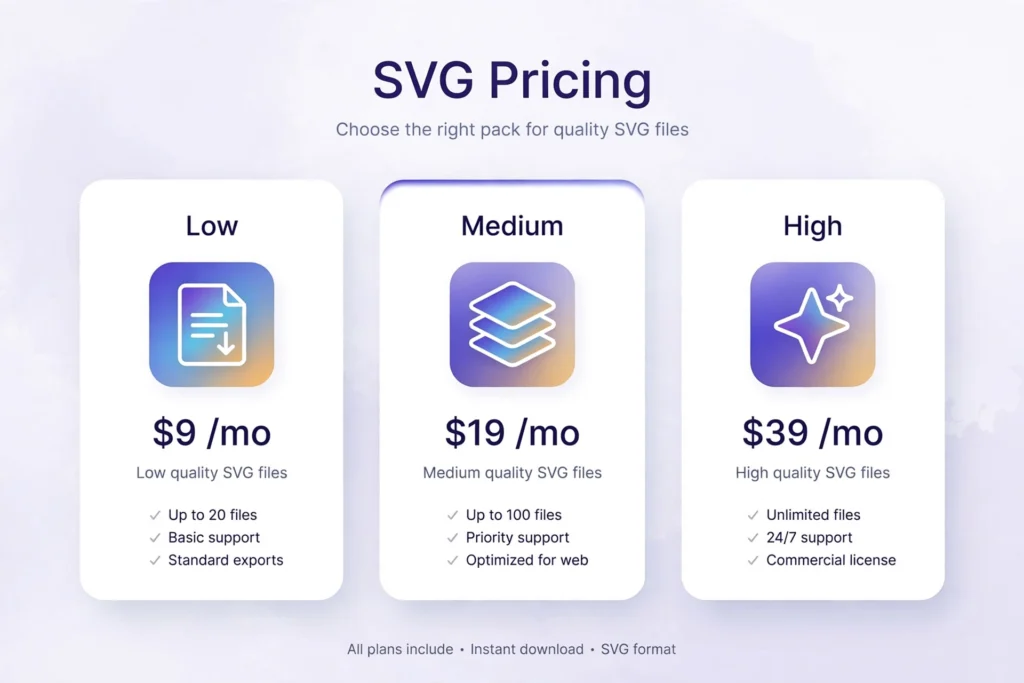
The pricing follows a clear per file model in the API. For example, text to vector costs 0.13 dollars at low quality, 0.16 dollars at medium quality, and 0.20 dollars at high quality per SVG. In addition, high quality with reference images costs 0.32 dollars per SVG, while image to vector conversion costs 0.10 dollars per file. Therefore, 100 text generated logos cost 13 dollars at low quality and 20 dollars at high quality, before any reference surcharge.
However, API pricing differs from app subscription pricing, because the API needs prepaid credit and a card in reported details. As a result, small teams should test with a small batch first, then scale the quality setting that matches the job. Meanwhile, low quality suits quick concepts, medium quality suits internal drafts, and high quality suits client ready files. Finally, always confirm current rates on the Ideogram model page before a large batch, because launch pricing can change.
Comparison Table: Rivals at a Glance
| Tool | Output | Best for | Key limit |
|---|---|---|---|
| Ideogram Vector | Editable SVG | Logos, wordmarks, stickers, print | No layer grouping yet for converted files |
| Canva Craft | Design platform images | Fast creation inside Canva | Tied to the Canva workflow |
| Recraft | Vector style images | Brand assets and illustrations | Style control varies by plan |
| Adobe Illustrator Image Trace | Converted vectors | Manual professional finishing | Needs manual tracing and clean up |
Ideogram Vector vs Canva Craft shows the key trade off clearly. For example, Ideogram gives you a portable SVG file that you can edit anywhere, while Canva Craft keeps creation inside a huge design platform. However, Canva suits teams that already design, publish, and collaborate in Canva every day. As a result, choose Ideogram when file ownership and editing freedom matter most, and choose Canva when speed inside one platform matters more. In addition, if you also compare image model pricing, see our FLUX 3 Max pricing guide, because it shows how a leading raster image model prices its outputs. Meanwhile, for video creators, our Sora alternatives guide covers visual tools beyond still images.
Strengths and Limitations
The strengths start with editable output, accurate typography, and simple pricing. For example, a small brand can generate a logo, recolour it for packaging, and resize it for a shop sign without starting again. In addition, developers can generate assets from code, rather than tracing PNG files by hand. Therefore, the model fits merch, packaging, stickers, icons, and social templates that need repeated reuse.
However, the limitations need honest weight. First, converted files lack layer grouping, so complex artwork needs organisation. Second, ordinary Ideogram images remain raster files, and writing the word vector in a normal prompt does not turn one into vector paths. Third, AI logos still need trademark checks, because a generated mark can resemble an existing brand. As a result, run a trademark search before you print a logo on products, and keep a human designer in the final approval step.
Who Should Use It
Designers, small brands, and merch makers should test Ideogram Vector first when they need an Ideogram Vector logo, sticker, or print file. For example, a coffee brand can test ten logo directions in an afternoon, then refine the winner in Figma. In addition, marketing teams can create campaign icons and labels that match one palette across channels. Therefore, the model suits teams that value speed, reuse, and clean files over pixel perfect photographic detail.
Meanwhile, developers should test the API for automated asset pipelines. For example, an app can generate icons on demand, convert user uploads into vectors, and price each batch with a dry run. However, do not automate trademark sensitive logos without review, because speed without checks creates legal risk. As a result, add a review gate for public facing marks, and automate only internal or low risk assets at first.
Frequently Asked Questions
What is Ideogram Vector pricing?
Ideogram Vector pricing starts at 0.10 dollars for image to vector conversion, and text to vector ranges from 0.13 dollars at low quality to 0.20 dollars at high quality. For example, high quality with reference images costs 0.32 dollars per SVG. However, app subscriptions differ from API pricing, so check the plan that matches your workflow.
What is an Ideogram Vector SVG?
An Ideogram Vector SVG is a scalable vector graphic made of editable shapes, paths, colours, and gradients. For example, it stays sharp at any size, from a small icon to a large poster. Therefore, designers can recolour, resize, and reshape the file without the blur that affects raster images.
How does text to vector Ideogram generation work?
Text to vector Ideogram generation turns a written prompt, plus optional reference images, into one or more SVG files. For example, you can request a flat logo with exact wording and a named style. In addition, the API returns results asynchronously, so developers fetch the file when processing finishes.
How does image to vector Ideogram conversion work?
Image to vector Ideogram conversion uploads a raster image up to 50 MB and returns a vector version. For example, a sketch or old logo becomes editable shapes. However, layer grouping is not yet available, so complex files may need manual organisation after conversion.
Should I choose Ideogram Vector or Canva Craft?
Ideogram Vector vs Canva Craft depends on file ownership. For example, Ideogram suits teams that want a portable SVG to edit in Illustrator or Figma. In addition, Canva Craft suits teams that already work inside Canva. Therefore, pick the tool that matches where your final files live.
Final Verdict
Ideogram Vector earns a clear recommendation for one job: fast, editable design files. For example, logos, stickers, icons, and print assets gain real value from SVG output, accurate typography, and per file pricing. However, the tool does not replace a brand designer, because trademark checks, layer organisation, and final polish still need human skill. Therefore, use it to explore directions fast, refine the winner with a designer, and keep the SVG as a reusable asset. Finally, test a small batch at each quality level, because the right setting depends on whether you need a quick concept or a client ready file. Independent coverage of Ideogram Vector also notes the layer grouping limit, while analysis of the Canva launch puts the new price ladder in context for buyers.